VidiTool for Android
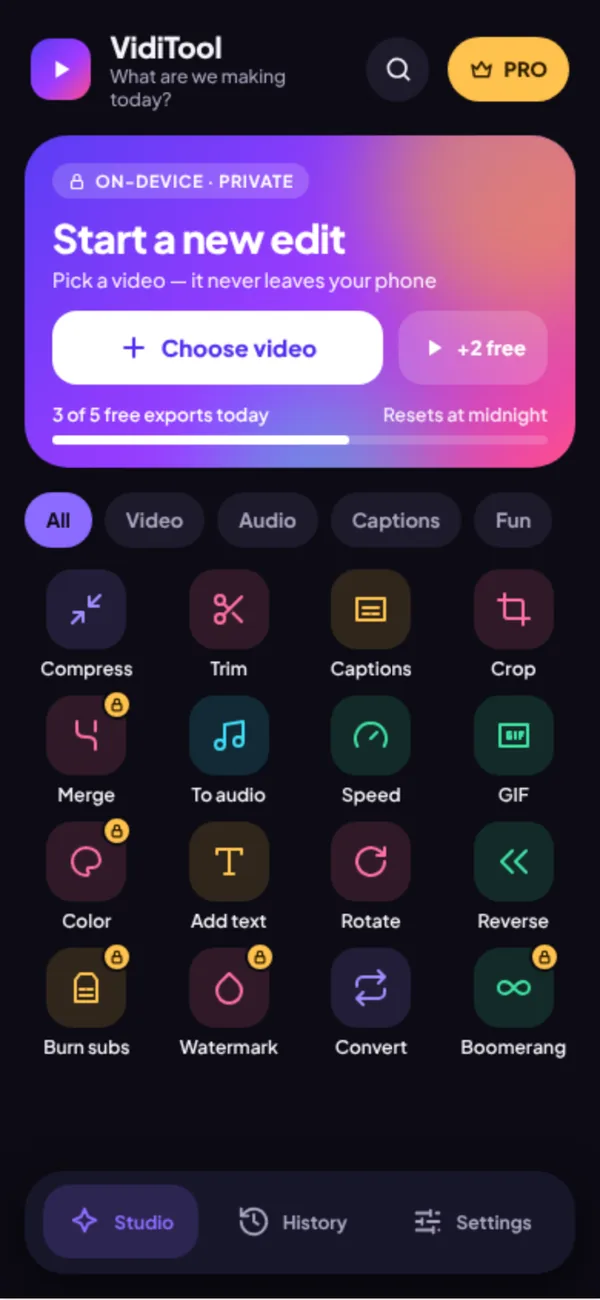
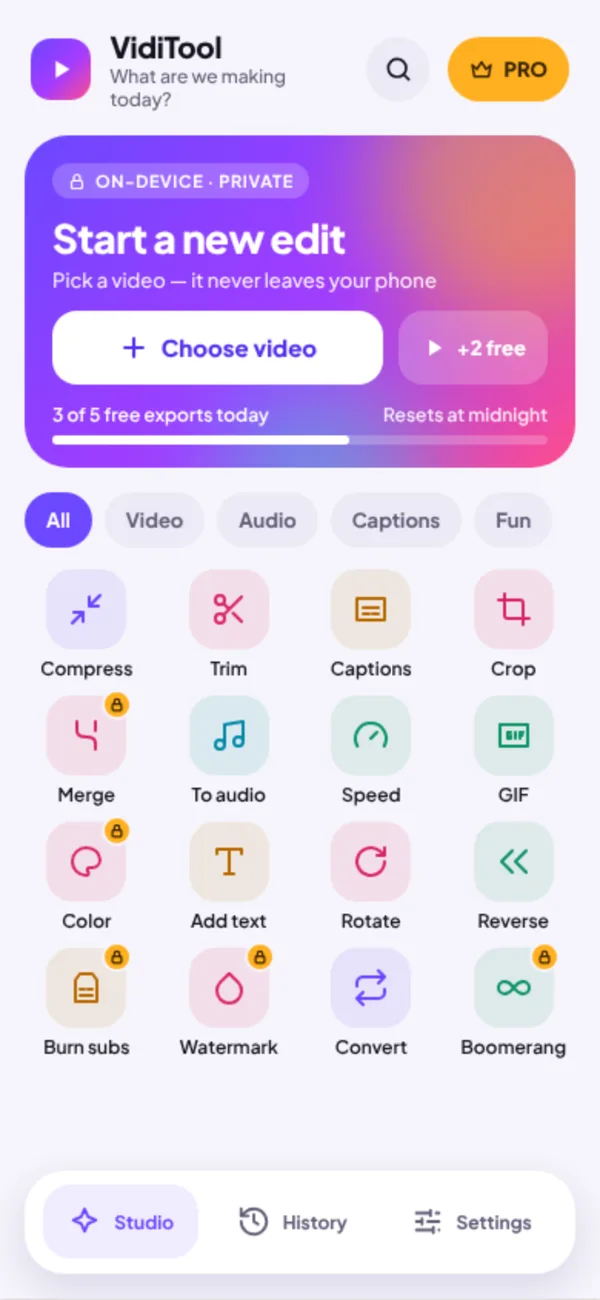
A pocket video studio. Trim, compress, add text and captions, then export, all on your phone. Nothing is uploaded.
Captions written for you
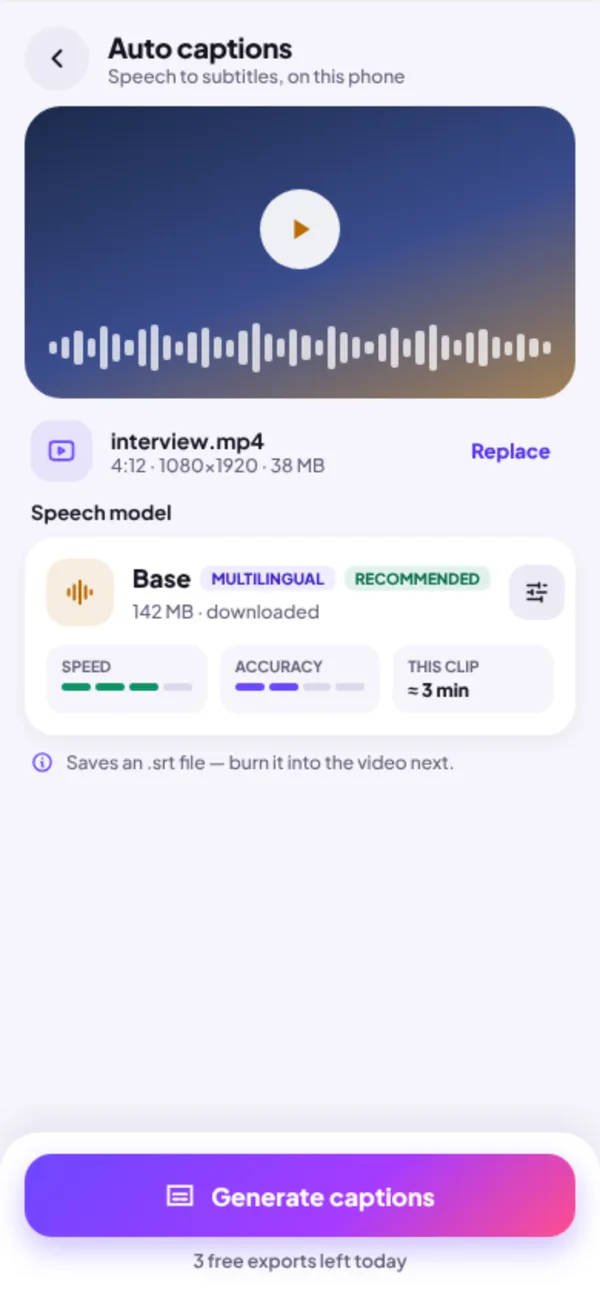
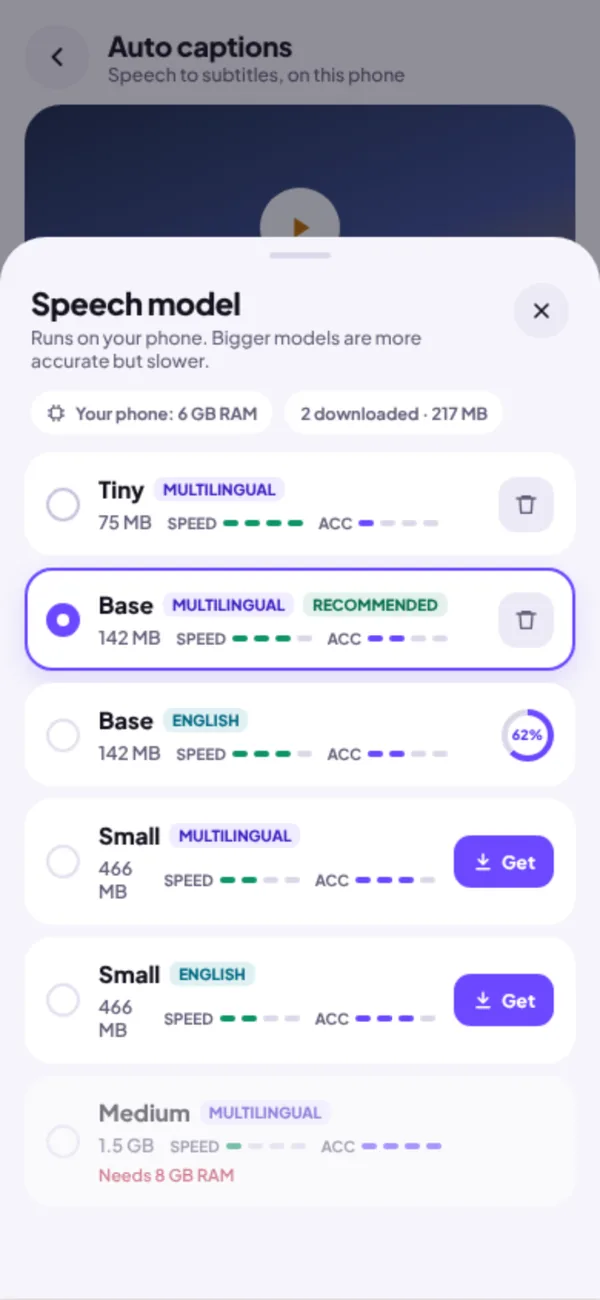
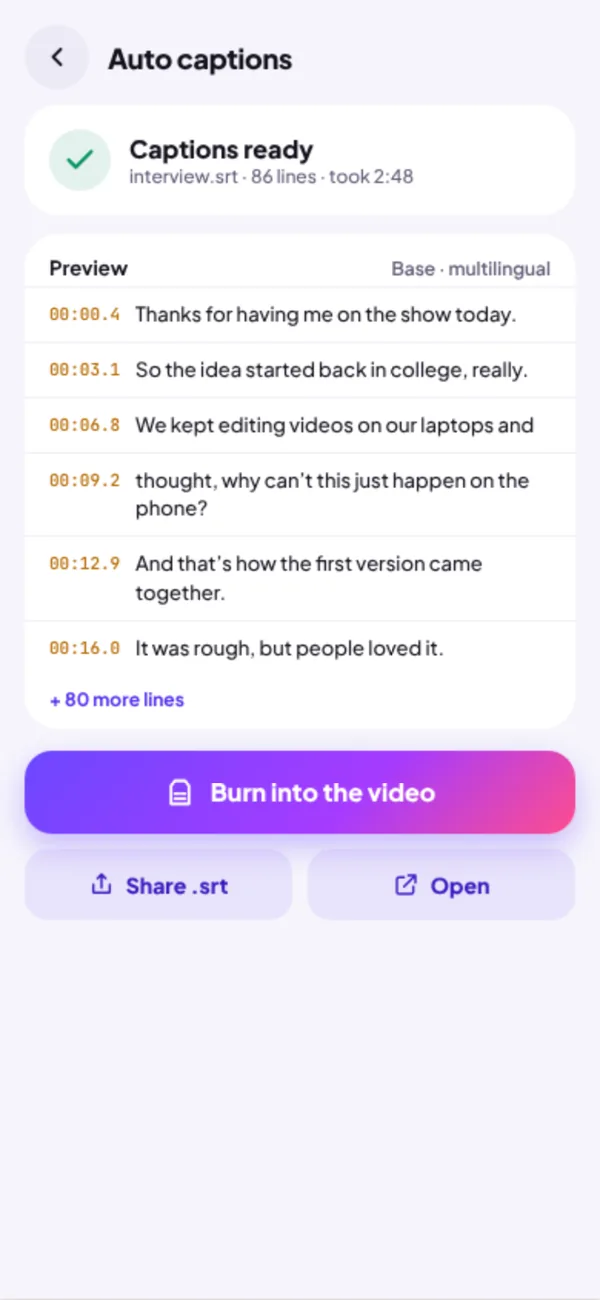
Pick a video and tap Generate captions. A speech model on your phone turns what people say into timed subtitles. Choose a small model for speed or a bigger one for accuracy.
Burn them into the video
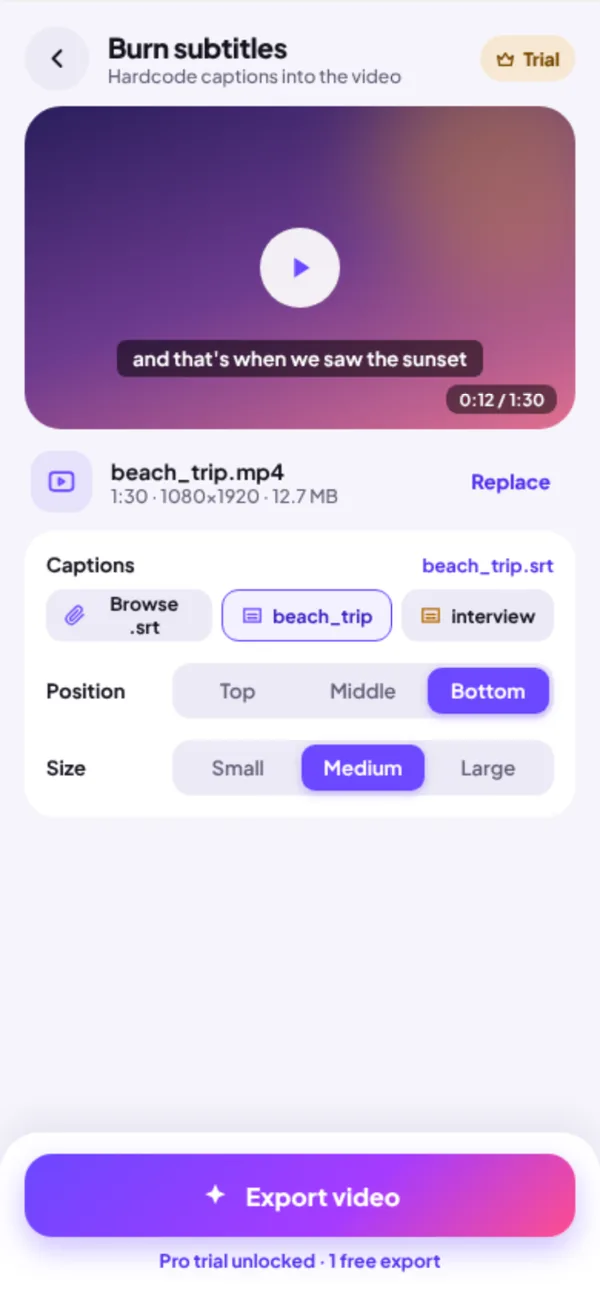
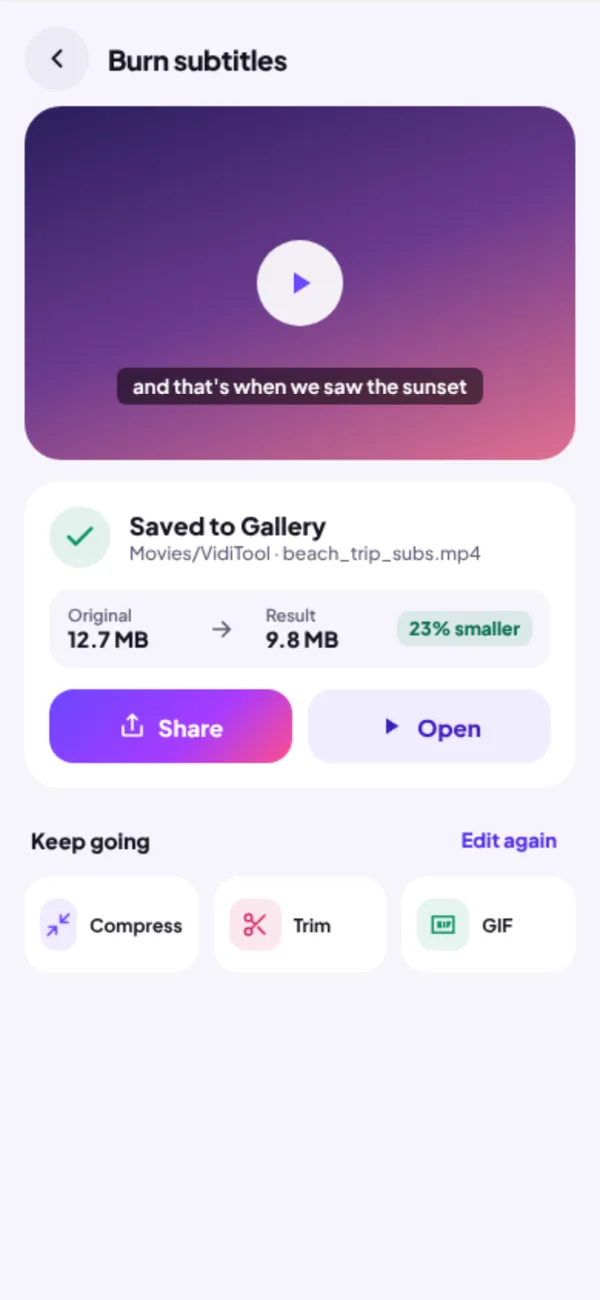
Place captions at the top, middle or bottom, pick a size, and export a video that shows subtitles everywhere, including WhatsApp and Instagram.
Every export in one place
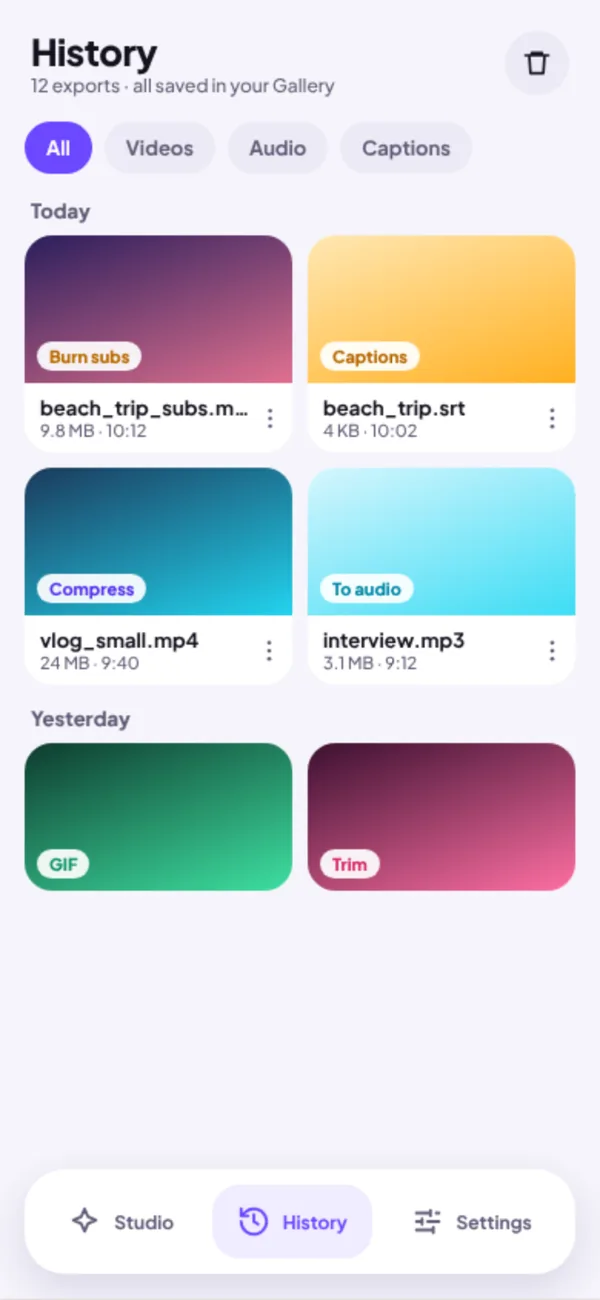
History keeps your recent videos, audio and caption files together, so you can share or edit them again in a tap.
Questions
When is the VidiTool app coming out?
VidiTool for Android is in testing now and will be on Google Play soon.
Does the app need an internet connection?
No. Editing, exporting and automatic captions all run on your phone, so they work offline.
How do automatic captions work?
VidiTool uses a speech model that runs on your phone. You pick a model size: smaller ones are faster, bigger ones are more accurate. Your audio never leaves the device.
Can I still use the website?
Yes. Every tool on this site stays free to use in your browser.